


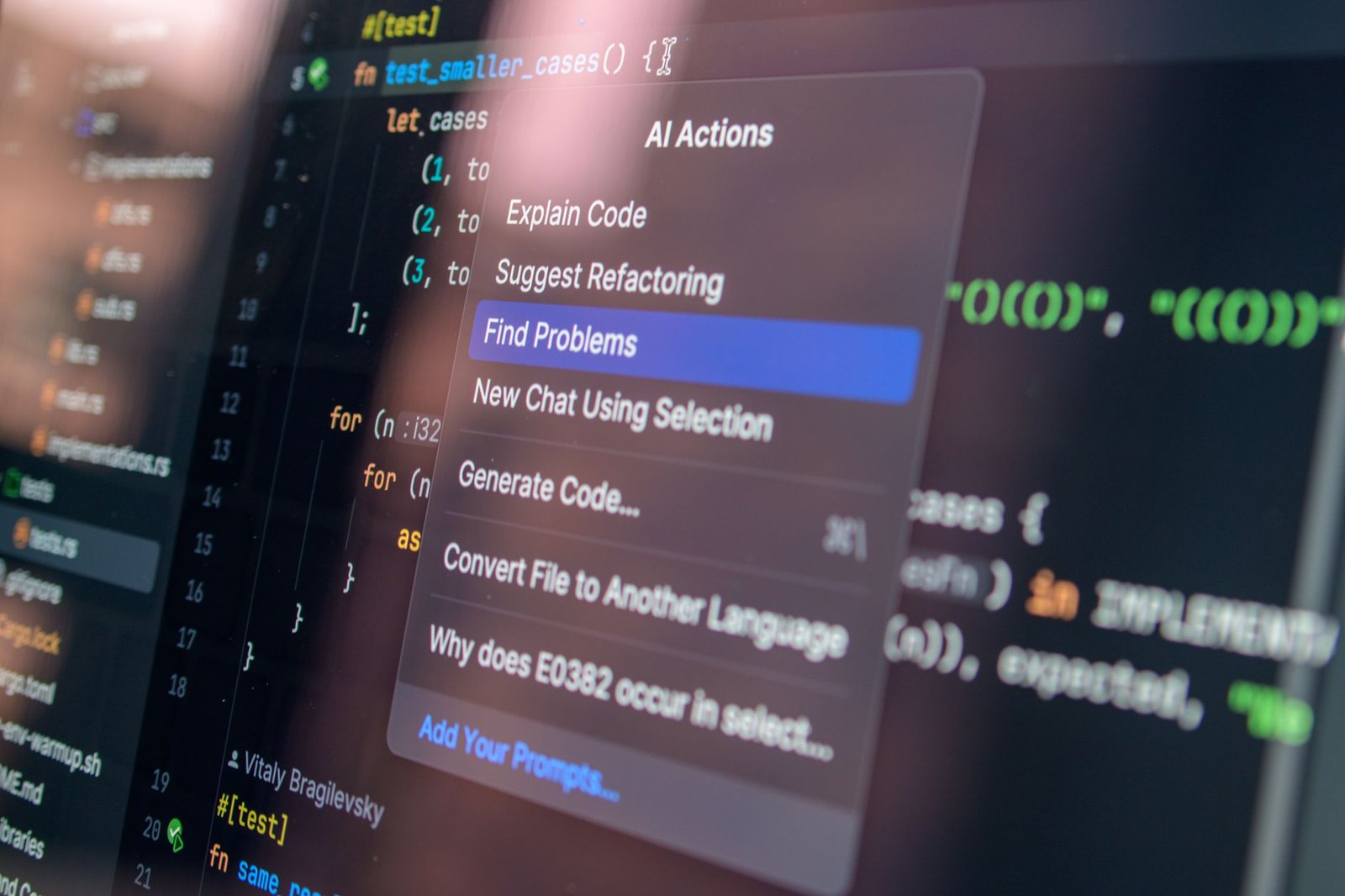
The world of AI-driven coding tools is transforming, yet many developers are weary of the high costs associated with leading platforms. Amid this shift, a free alternative named Goose, developed by Block, is gaining momentum, offering similar capabilities to expensive solutions without the price tag.
- Goose provides powerful, autonomous coding capabilities locally, free from subscription fees.
- Anthropic’s Claude Code faces backlash for its steep pricing and restrictive usage limits.
- Goose thrives with offline accessibility, ensuring complete data privacy for developers.
- Setting up Goose is straightforward, though it requires adequate hardware resources.
- The rise of open-source solutions like Goose could significantly impact the AI coding tool market.
Claude Code’s Costly Drawbacks
Anthropic’s Claude Code offers a robust AI agent for coding, but its pricing—ranging from $20 to $200 a month—has sparked frustration among its user base. The plan restrictions, often limiting work to 40 prompts every five hours, stifle those engaged in intense coding sessions. Such limits can be perplexing, as even the expensive tiers entail ambiguities about what you actually get in practice.
Introducing Goose: A Free Solution
Goose, by Block (previously known as Square), provides a refreshing alternative. Running locally on your machine, it eliminates cloud dependency and data privacy worries. Goose is powered by open-source language models trained to perform tasks with precision, ensuring your coding journeys are uninterrupted, even when offline.
The Power of Local Operation
Unlike other AI tools that rely on cloud processing, Goose executes tasks directly on your device, providing unparalleled control. This “on-machine AI agent” flexibility caters to a personalized setup. You download and manage the models, with options to implement tools like Ollama to run open-source models independently.
Setting Up Your Own Goose Environment
Creating a Goose-powered coding environment involves a few key steps:
- Install Ollama: Deploy models locally by downloading and running Ollama from their website. This manages the model installation and execution seamlessly.
- Add Goose: Choose between the desktop or command-line interface versions for installation, readily available through Goose’s GitHub page.
- Configure Your Connection: Set Goose to interact with your chosen model through Ollama, ensuring all processes occur locally.
Hardware Considerations
Running advanced AI models requires significant system resources. Goose’s documentation suggests 32GB of RAM for smooth performance, though smaller models can run on less powerful machines. This flexibility allows developers to scale according to need and hardware capacity.
Goose vs. Traditional AI Code Tools
Goose sets itself apart by offering a blend of automation, model agnosticism, local execution, and zero cost—an attractive proposition against subscription-based tools. While commercial models like Claude Code boast superior capabilities for complex tasks, open-source alternatives are closing the performance gap rapidly.
Looking Ahead: The Changing Landscape of AI Coding Tools
As open-source models like Goose gain traction, the competitive landscape for AI coding tools is bound to evolve. Developers now have more choices aligned with their needs for costs, privacy, and autonomy. The future may see more developers gravitating towards solutions that offer the freedom and customization of tools like Goose, marking a potential shift away from costly subscription models.
