

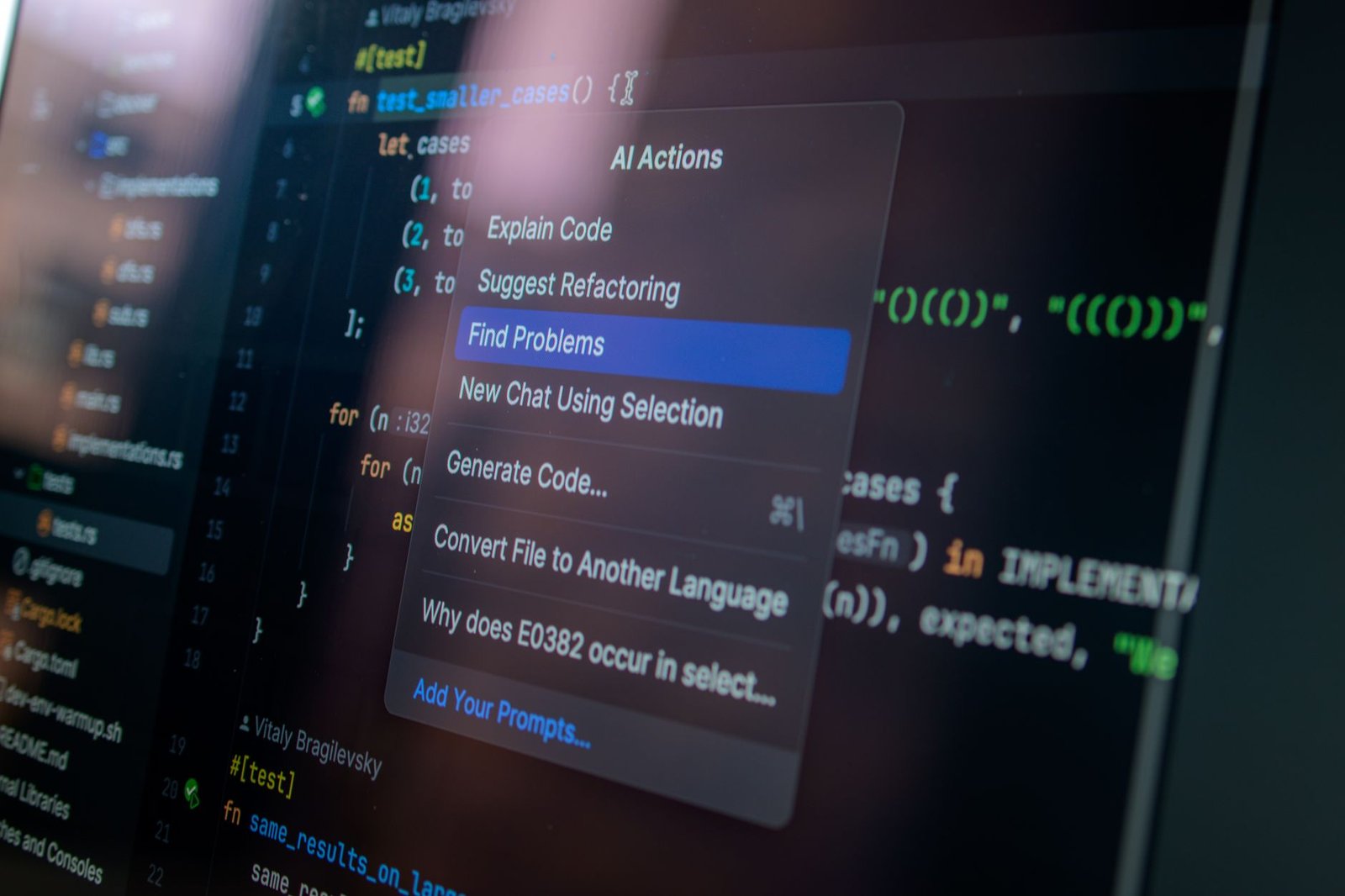
The world of AI-powered coding tools is undergoing a paradigm shift. The days of paying up to $200 monthly for advanced coding assistants like Claude Code might be numbered, thanks to the emergence of free alternatives like Goose, which offers similar capabilities without the hefty price tag.

- Goose is a free, local AI coding tool, competing with pricey alternatives like Claude Code.
- This tool gives developers more control, privacy, and freedom from subscription fees.
- Running AI models locally requires substantial computational resources and setup.
- Open-source AI models are quickly bridging the gap with commercial products.
The Challenge of Expensive AI Coding
AI has undeniably transformed how developers work, but tools like Claude Code come with a high cost. Anthropic’s AI assistant, Claude Code, is acknowledged for its robust capabilities in writing, debugging, and deploying code autonomously. However, its subscription fee—stretching from $20 to an eye-watering $200 per month—hasn’t gone unnoticed by developers. Money matters aside, many feel constrained by its cloud dependencies and strict usage limitations.
Goose: The Free Rival
Enter Goose, a brainchild of financial tech firm Block. Goose sets itself apart by being a free-of-cost tool that runs on a user’s local machine. There are no cloud servers involved, meaning total privacy and control. Goose also escapes the web of subscription fees and rate limits, offering developers an unrestricted coding experience.
Consider flying on an airplane with no Wi-Fi. With Goose, you can still write and test code without missing a beat. This offline utility is one of its most appealing features.
Why Developers Are Flocking to Goose
Goose’s design emphasizes autonomy. By using local resources, it gives developers the freedom to choose between various AI models. This flexibility means you can connect Goose to Anthropic’s Claude, OpenAI’s GPT-5, or Google’s models, among others. You can even run it entirely offline using tools like Ollama, which allows open-source models to operate effectively on personal hardware.
Real-World Application
Imagine Goose as a Swiss Army knife for developers. Unlike traditional code assistants, it doesn’t just suggest code; it can actually execute functions on your machine. This capability, known as “tool calling,” enables Goose to manage complex tasks like integrating with APIs or debugging across multiple files without needing human intervention.
Setting It All Up
Curious about trying Goose? The setup involves three main components: Goose, Ollama, and a suitable language model. Install Ollama first; this tool simplifies the process of running language models locally. Then download Goose, available as a desktop app or CLI (command-line interface), depending on your preference.
This setup allows you to choose a model based on the hardware you have. For instance, larger models may require at least 32GB of RAM.
Thinking About the Future
With open-source models rapidly improving, the lines are blurring between free tools like Goose and commercial giants such as Claude Code. If this trend continues, we could see a democratization of AI tools where pricing, privacy, and flexibility become key competitive areas. The evolving field might not only redefine the value of such tools but also herald an era where accessible and effective AI solutions are within everyone’s reach.
