


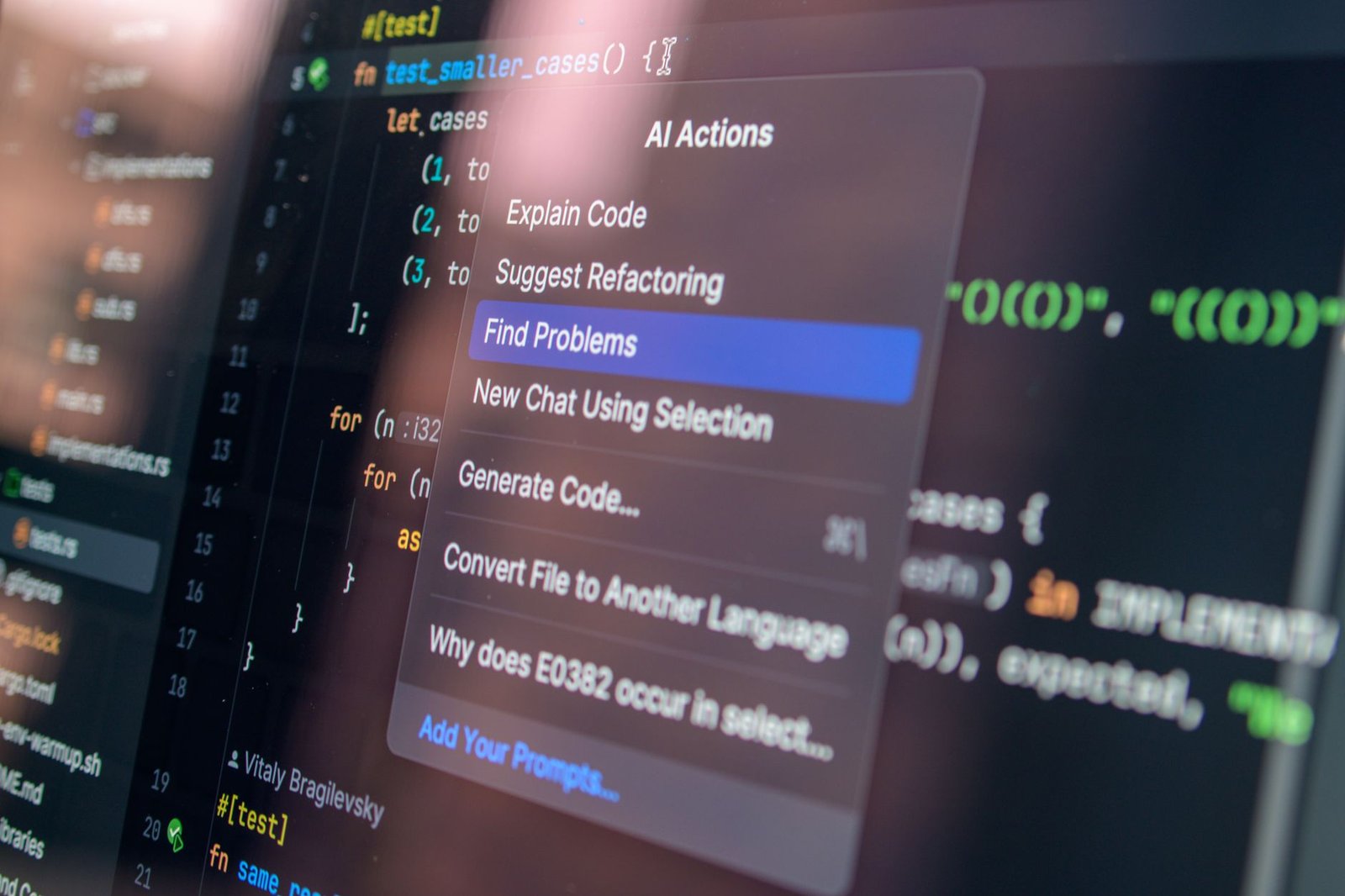
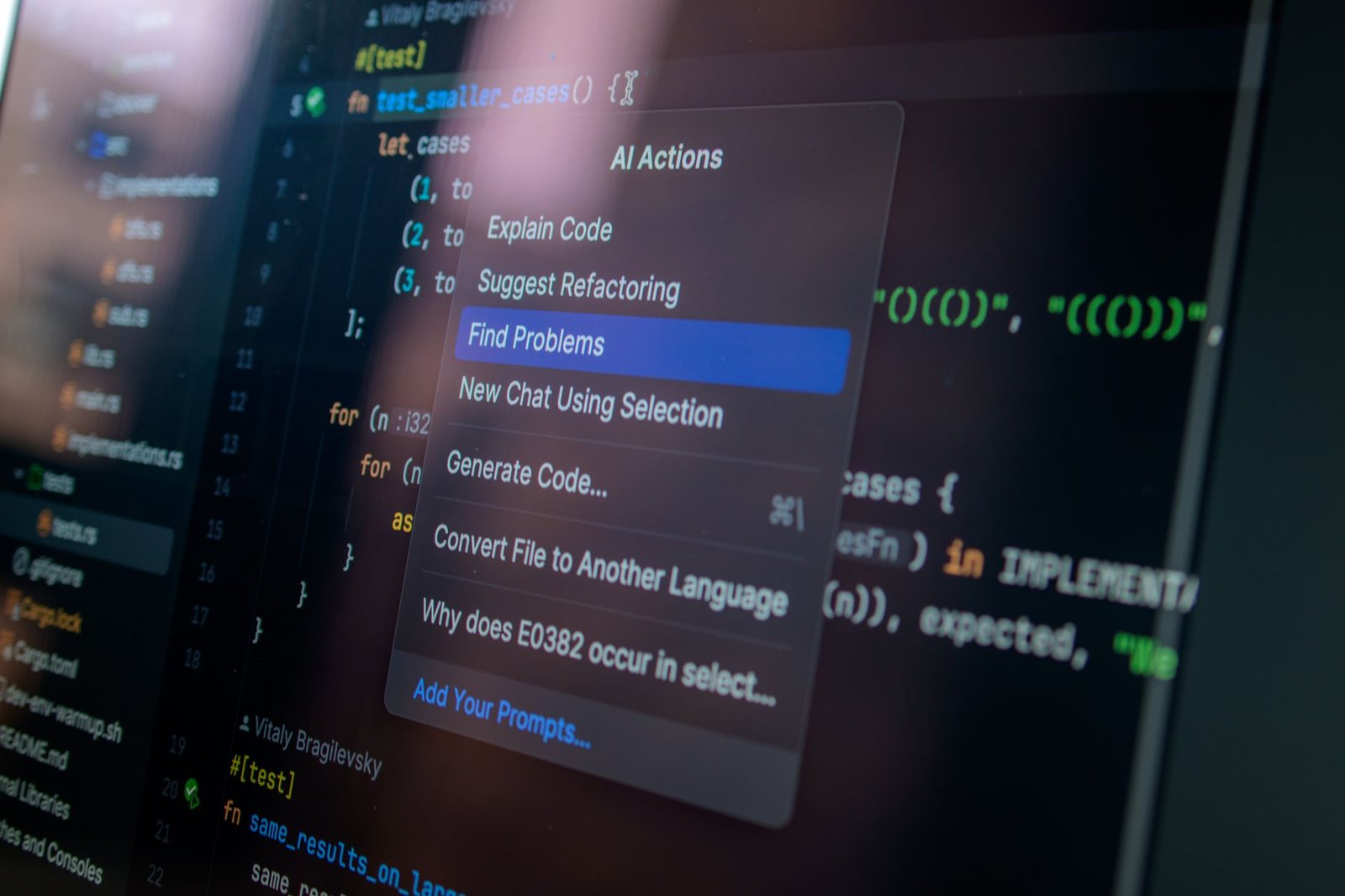
The surge of AI coding tools has sparked innovation and competition, yet one question remains crucial: Why pay for expensive solutions when a robust, free alternative exists? Meet Goose, the breakthrough open-source coding assistant challenging high-priced rivals like Claude Code.
Key Takeaways
- Claude Code is an AI coding solution by Anthropic, priced up to $200 monthly.
- Goose offers similar functionalities for free, running locally without cloud dependency.
- Goose empowers developers by keeping data private and enabling offline work.
- Goose’s rapidly growing popularity highlights shifting preferences towards open-source tools.
- The future may see open-source tools closing the quality gap with paid models.
The Costs of AI Coding: A Claude Code Examination
Anthropic’s Claude Code has captivated developers with its ability to autonomously write and debug code. However, its pricing—ranging from $20 to $200 per month—is causing discontent among users. The Pro plan limits are particularly frustrating, as developers can exhaust their usage in mere minutes, undermining the potential for continuous coding projects.
Enter Goose: The Free, Local Alternative
Goose, developed by Block, operates as an on-machine AI agent that doesn’t rely on cloud services. This means no exorbitant monthly fees and no restrictions based on usage limits. **Your data remains local**—a critical advantage for developers who prioritize privacy. **Imagine being on a flight without WiFi, yet still coding away** without interruption. That’s the flexibility Goose offers.
Technical Insights: How Goose Works
Goose functions by utilizing open-source language models directly on your computer. These are downloaded and managed with simple tools, allowing the AI to perform complex tasks like project creation, debugging, and workflow organization. This is known as **tool calling**, where the AI executes real operations instead of simply suggesting them. Models like Meta’s Llama and Google’s Gemma show promising results for these tasks, making Goose versatile with various AI engines.
Setting Up: Getting Started with Goose
To use Goose, you’ll need a few components: Goose itself, a compatible local language model, and potentially a setup tool like Ollama. Here’s a simplified analogy: Think of Goose as a master chef, your local model as a recipe book, and Ollama as a well-organized pantry. Once everything is in place, the chef can create any dish (or code) right in front of you, without needing to step out or compromise your space.
Goose vs. The AI Coding Market
Compared to paid tools like **GitHub Copilot** and **Cursor**, Goose’s allure lies in its zero cost and autonomy. While these commercial alternatives offer polished features, their dependence on subscriptions and cloud resources can be limiting. Goose, in contrast, offers **freedom** and flexibility—traits highly valued by developers who want control over their workflow.
The Road Ahead for AI Tools
Goose represents a crucial shift in AI tool development. As open-source solutions grow more sophisticated, the pressure mounts on commercial models like Claude Code to offer more than just top-tier performance. The future holds potential for these free tools to match or even surpass the capabilities currently associated with costly subscriptions. **The democratization of AI coding is already underway**—and Goose is leading the charge. For developers eager to adopt this model, the possibilities are vast and only just beginning to unfold.
