


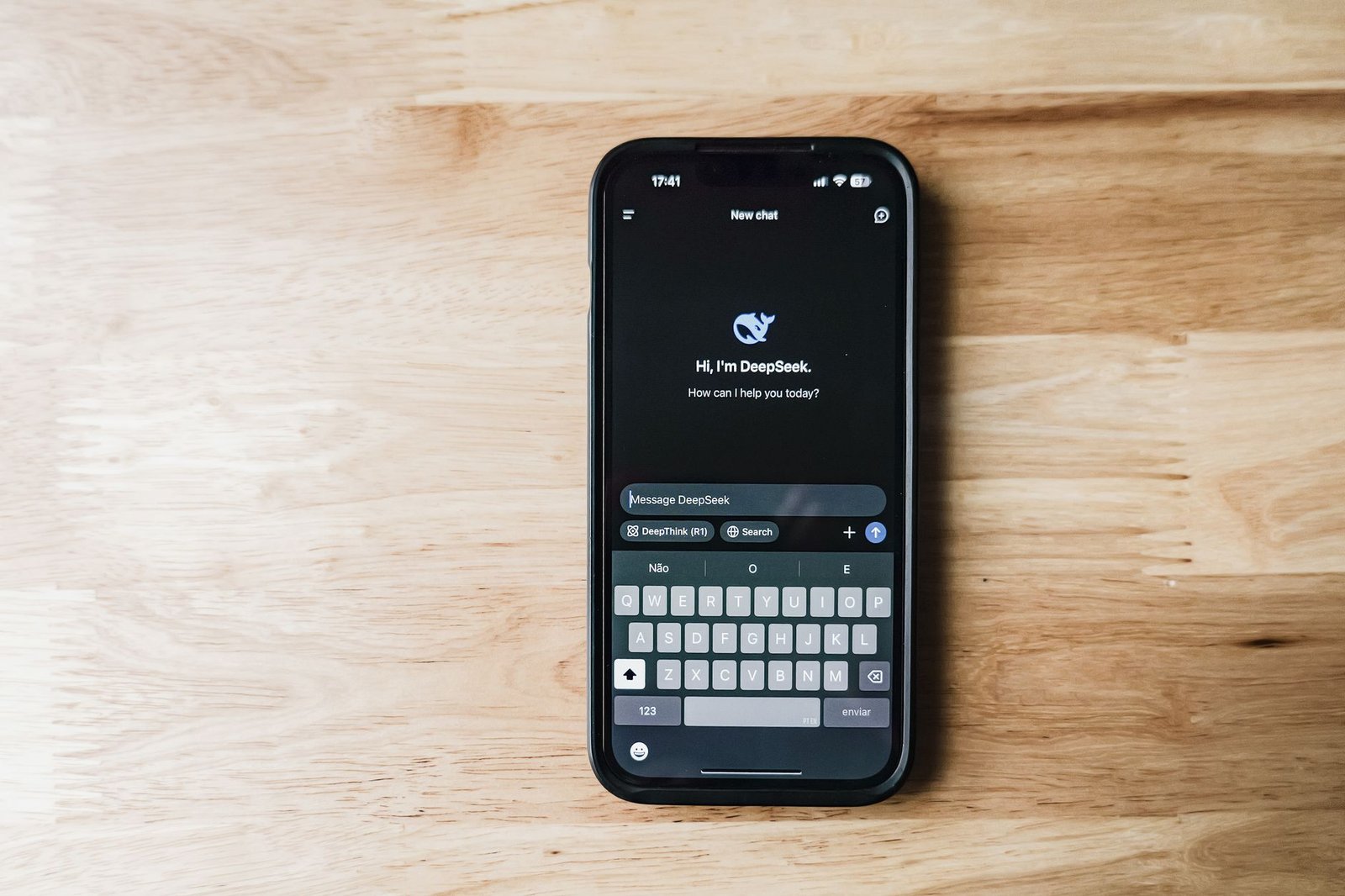
Imagine a world where personal and professional digital assistants merge seamlessly into one streamlined experience. Microsoft is poised to make this a reality by consolidating its diverse Copilot applications into a single, **unified “super app”**. Users will soon have one less decision to make when working on their Windows machines, thanks to Microsoft’s latest innovation.
Key Takeaways
- Microsoft is integrating consumer and commercial Copilot AI assistants into one app.
- The new app will house features from both Copilot chat and Microsoft 365.
- The change aims to simplify the user experience by eliminating redundant icons and interfaces.
- This move signals a significant step forward in AI integration for personal and professional use.
Microsoft’s Ambitious Leap into Unified AI
At the heart of this development is Microsoft’s decision to unite its **consumer and commercial Copilot AI** assistants into a single platform. Previously, users juggled between different apps: “Copilot” for general assistance and “Microsoft 365 Copilot” for business-focused tasks. This recently announced update will simplify access by merging both applications under the recognizable **Microsoft Copilot** brand.
The Benefits of a Singular App Interface
This move is not just cosmetic; it’s about maximizing efficiency and effectiveness. With the elimination of multiple **icons** in the system tray or taskbar, users will experience greater convenience and a cleaner workspace. But what exactly makes this so beneficial?
Picture a **Swiss Army knife**—one tool that efficiently serves many functions. Similarly, Microsoft’s unified app will combine the capabilities of both chat and image creation tools for personal use with the robust functionalities of the Microsoft 365 suite for professional environments. This means whether you’re setting up a personal calendar or coordinating a team project, it’s all in one place.
Technical Innovations Under the Hood
The newly integrated system is built upon **sophisticated AI algorithms** that allow for seamless operation across different use cases. When we talk about AI algorithms, think of these as complex instruction sequences that teach the app to understand and perform various tasks, much like how a chef follows various recipes to create a meal. By blending these algorithms, Microsoft promises to deliver a more intuitive and adaptable assistant.
Additionally, this new interface will offer a fresh look and an updated icon. Though these changes might sound minor, they are significant for enhancing user interaction by making the app more visually cohesive and easier to navigate.
The Big Picture: Toward a Future of Unified AI
This integration marks a pivotal shift in how AI technologies might be utilized in both personal and professional settings. By bringing these worlds together, Microsoft is not only eliminating redundancy but also demonstrating how AI can be tailored to suit diverse needs in a single, scalable solution.
What does this mean for the future of AI? As technologies continue to advance, we might soon witness the birth of even more powerful **super apps** that can handle a wide range of tasks across different sectors, making AI an indispensable part of everyday life. The path set by Microsoft suggests a future where digital boundaries are minimized, and optimized productivity is within everyone’s reach.
